> For the complete documentation index, see [llms.txt](https://help.join.com/llms.txt). Markdown versions of documentation pages are available by appending `.md` to page URLs; this page is available as [Markdown](https://help.join.com/help-center/german/loslegen/schnellstart.md).

# Schnellstart

Starten Sie mit JOIN in nur wenigen Minuten. Erfahren Sie, wie Sie Ihre erste Stelle veröffentlichen, Ihr Profil vervollständigen und noch heute mit der Einstellung beginnen.

Starten Sie mit JOIN durch in nur wenigen Minuten. Erfahren Sie, wie Sie Ihren ersten Job veröffentlichen, Ihr Profil vervollständigen und noch heute mit dem Einstellen beginnen.

JOIN bietet Ihnen alle Tools, die Sie für Ihr Recruiting benötigen – von der Erstellung und Veröffentlichung von Stellenanzeigen bis hin zur Prüfung von Bewerbungen und fundierten Einstellungsentscheidungen in Zusammenarbeit mit Ihrem Team.

Unsere Mission bei JOIN ist es, ein intuitives und zugängliches Bewerbermanagementsystem bereitzustellen, das Ihnen hilft, Kandidat:innen über verschiedene Kanäle zu erreichen, effektiv mit Ihrem Team zusammenzuarbeiten und nahtlos vom Ausschreiben einer Stelle bis zur finalen Einstellung zu gelangen.

## Erste Schritte

Sie benötigen ein Konto, um Jobs zu veröffentlichen, Kandidat:innen zu gewinnen und die ATS-Funktionen zu nutzen, die Ihren Einstellungsprozess effizienter und einfacher machen.

<a href="https://join.com/auth/signup/company" class="button primary">Registrieren</a> &#x20;

## Entdecken Sie, wie JOIN funktioniert

JOIN bietet Ihnen leistungsstarke Tools, die Sie in jedem Schritt Ihres Einstellungsprozesses unterstützen. Hier sehen Sie, wie Sie als Nächstes vorgehen können:

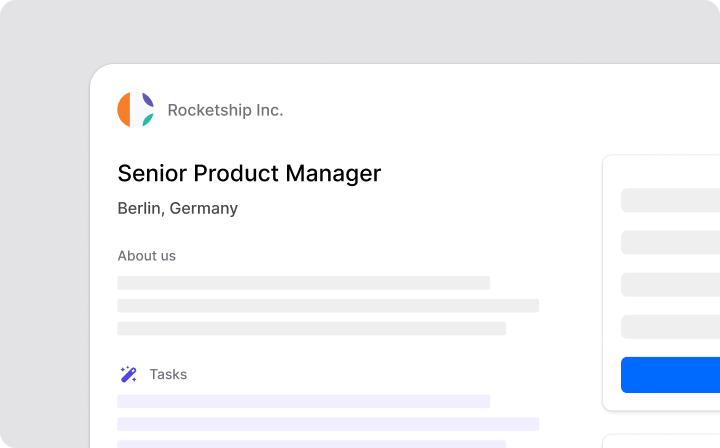
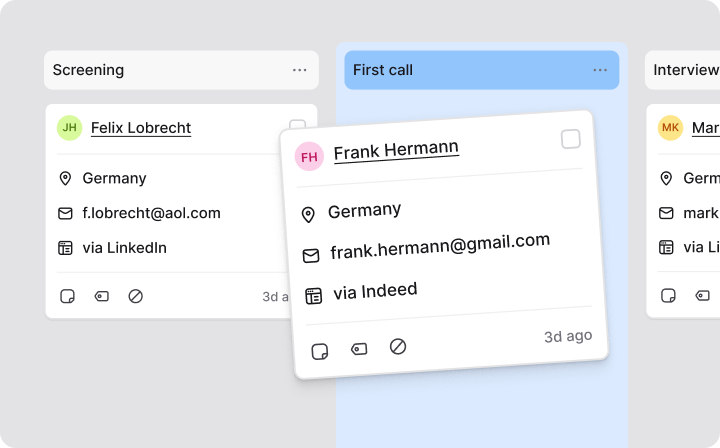
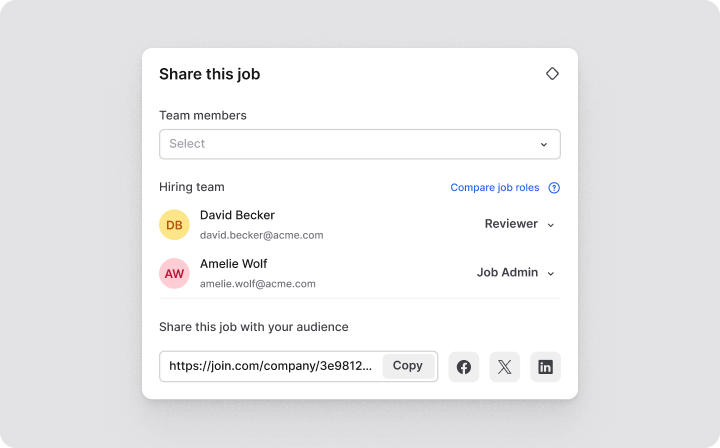
<table data-card-size="large" data-view="cards"><thead><tr><th></th><th></th><th data-hidden data-card-target data-type="content-ref"></th><th data-hidden data-card-cover data-type="files"></th></tr></thead><tbody><tr><td><strong>Job veröffentlichen</strong></td><td>Veröffentlichen Sie Ihre offenen Stellen schnell und einfach auf mehreren Jobbörsen.</td><td><a href="broken://pages/2YAlW7eqcR7TIYHCrEKt">Broken link</a></td><td><a href="https://content.gitbook.com/content/yQOG2Z7H1ZTug1eSSq4M/blobs/Sauum80JPjsx9cd5mW9J/Publishing%20a%20job@2x.png">Publishing a job@2x.png</a></td></tr><tr><td><strong>Job promoten</strong></td><td>Steigern Sie die Sichtbarkeit Ihrer Jobs auf Premium-Jobbörsen, um mehr Talente zu erreichen.</td><td><a href="broken://pages/iaU88jZQvxGOlfCuSBRG">Broken link</a></td><td><a href="https://content.gitbook.com/content/yQOG2Z7H1ZTug1eSSq4M/blobs/o4g6mQiwXPUfRMMizQnY/Promoting%20a%20job@2x.png">Promoting a job@2x.png</a></td></tr><tr><td><strong>Bewerbungen prüfen</strong></td><td>Verwalten und prüfen Sie alle eingehenden Bewerbungen an einem Ort.</td><td></td><td><a href="https://content.gitbook.com/content/yQOG2Z7H1ZTug1eSSq4M/blobs/FAhrjtEVByLhQ5QtjhJq/Reviewing%20applications@2x.png">Reviewing applications@2x.png</a></td></tr><tr><td><strong>Unternehmensprofil vervollständigen</strong></td><td>Machen Sie Ihre Karriereseite mit einem detaillierten Profil für Kandidat:innen attraktiv.</td><td></td><td><a href="https://content.gitbook.com/content/yQOG2Z7H1ZTug1eSSq4M/blobs/EiYFtxjSm2GXOHbm6A6U/Completing%20company%20profile@2x.png">Completing company profile@2x.png</a></td></tr><tr><td><strong>Teammitglieder einladen</strong></td><td>Arbeiten Sie gemeinsam mit Kolleg:innen an Stellenanzeigen und der Prüfung von Bewerbungen.</td><td></td><td><a href="https://content.gitbook.com/content/yQOG2Z7H1ZTug1eSSq4M/blobs/b9vqHgoIdOtTBfaFaGcx/Inviting%20team%20members@2x.png">Inviting team members@2x.png</a></td></tr><tr><td><strong>Integrationen verbinden</strong></td><td>Verbinden Sie JOIN mit Ihren bestehenden Tools, um Ihren Workflow zu vereinfachen.</td><td></td><td><a href="https://content.gitbook.com/content/yQOG2Z7H1ZTug1eSSq4M/blobs/XX7caHNBB7uTKKZaAO7T/Setting%20up%20integrations@2x.png">Setting up integrations@2x.png</a></td></tr></tbody></table>


---

# Agent Instructions
This documentation is published with GitBook. GitBook is the documentation platform designed so that both humans and AI agents can read, navigate, and reason over technical content effectively. Learn more at gitbook.com.

## Querying This Documentation
If you need additional information that is not directly available in this page, you can query the documentation by asking a question.

Perform an HTTP GET request on the following URL with the `ask` and `goal` query parameters:

```
GET https://help.join.com/help-center/german/loslegen/schnellstart.md?ask=<question>&goal=<user_goal>
```

`ask` is the immediate question: it should be specific, self-contained, and written in natural language.
`goal` is what the user is ultimately trying to achieve, the reason they need the answer. Sharing it helps GitBook give you a better, more relevant answer. A goal is most helpful when it describes the outcome the user wants rather than restating the question. For example, with `ask=how do I create an API token`, a goal like `automate deployments from our CI pipeline` lets GitBook tailor the answer to that use case.

The response will contain a direct answer to the question and relevant excerpts and sources from the documentation.

Use this mechanism when the answer is not explicitly present in the current page, you need clarification or additional context, or you want to retrieve related documentation sections.