> For the complete documentation index, see [llms.txt](https://help.join.com/llms.txt). Markdown versions of documentation pages are available by appending `.md` to page URLs; this page is available as [Markdown](https://help.join.com/help-center/spanish/getting-started-with-join/inicio-rapido.md).

# Inicio rápido

Empieza a usar JOIN en pocos minutos. Publica tu primer empleo, completa tu perfil y empieza a contratar.

JOIN ofrece herramientas para contratar. Cubre la redacción y publicación de anuncios de empleo, la revisión de candidaturas y la toma de decisiones con tu equipo.

JOIN es un Applicant Tracking System (ATS). Te ayuda a atraer candidatos en varios canales, colaborar con tu equipo y pasar de la publicación al cierre de la contratación.

## Primeros pasos

Necesitas una cuenta para publicar empleos, atraer candidatos y usar funciones del ATS para hacer más eficiente el proceso de contratación.

<a href="https://join.com/auth/signup/company" class="button primary">Registrarse</a>

## Explora JOIN

JOIN ofrece potentes herramientas para apoyar cada etapa de tu proceso de contratación. Esto es lo que puedes hacer a continuación:

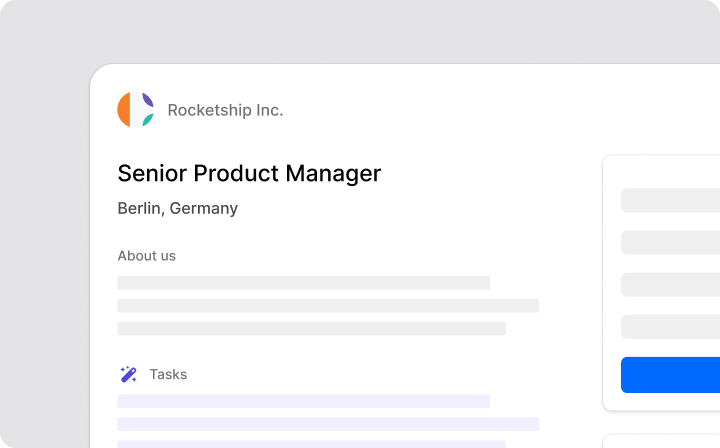
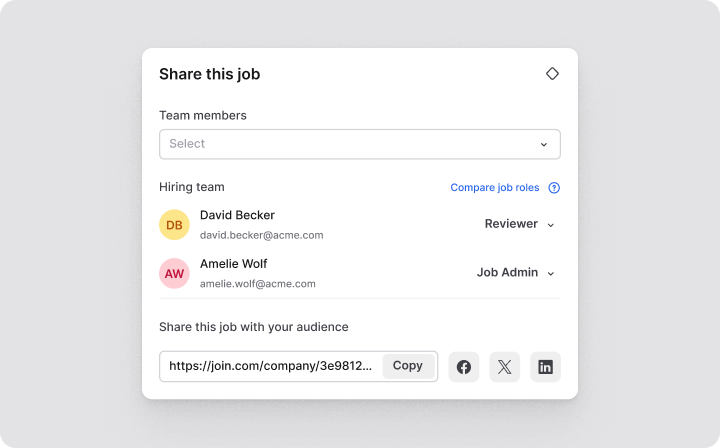
<table data-card-size="large" data-view="cards"><thead><tr><th></th><th></th><th data-hidden data-card-target data-type="content-ref"></th><th data-hidden data-card-cover data-type="files"></th></tr></thead><tbody><tr><td><strong>Publicar un empleo</strong></td><td>Publica tus vacantes en varios portales de empleo de forma rápida.</td><td><a href="/help-center/spanish/jobs/creacion-de-oferta.md">Creación de oferta</a></td><td><a href="https://content.gitbook.com/content/uqmHfRblbYnBtIqq8fqo/blobs/9CuQicmZyccBCHq1QhxZ/Publishing%20a%20job@2x.png">Publishing a job@2x.png</a></td></tr><tr><td><strong>Promocionar un empleo</strong></td><td>Aumenta la visibilidad del empleo en portales de empleo premium.</td><td><a href="/help-center/spanish/promoting-jobs/multiposting-de-pago.md">Multiposting de Pago</a></td><td><a href="https://content.gitbook.com/content/uqmHfRblbYnBtIqq8fqo/blobs/Md2RXd3rzVi1wTcDl4xZ/Promoting%20a%20job@2x.png">Promoting a job@2x.png</a></td></tr><tr><td><strong>Revisar candidaturas</strong></td><td>Gestiona y revisa todas las candidaturas en un solo lugar.</td><td><a href="/help-center/spanish/candidates-and-applications/gestion-del-pipeline.md">Gestión del pipeline</a></td><td><a href="https://content.gitbook.com/content/uqmHfRblbYnBtIqq8fqo/blobs/oBvSIA2Rm4evWyj4Tkh9/Reviewing%20applications@2x.png">Reviewing applications@2x.png</a></td></tr><tr><td><strong>Crear tu página de carrera</strong></td><td>Muestra el perfil de tu empresa a candidatos potenciales.</td><td><a href="/help-center/spanish/user-settings/personalizacion-del-perfil.md">Personalización del perfil</a></td><td><a href="https://content.gitbook.com/content/uqmHfRblbYnBtIqq8fqo/blobs/xBRQkBGV8473r25nQMYd/Completing%20company%20profile@2x.png">Completing company profile@2x.png</a></td></tr><tr><td><strong>Invitar a miembros del equipo</strong></td><td>Colabora con tus colegas en publicaciones de empleo y revisión de candidaturas.</td><td><a href="/help-center/spanish/account-settings-and-billing/gestion-de-miembros.md">Gestión de miembros</a></td><td><a href="https://content.gitbook.com/content/uqmHfRblbYnBtIqq8fqo/blobs/avGAWVvCK4JGgqjPD7B5/Inviting%20team%20members@2x.png">Inviting team members@2x.png</a></td></tr><tr><td><strong>Configurar integraciones</strong></td><td>Conecta JOIN con tus herramientas para simplificar el flujo de trabajo.</td><td><a href="/help-center/spanish/integrations/herramientas-rrhh-externas.md">Herramientas RRHH externas</a></td><td><a href="https://content.gitbook.com/content/uqmHfRblbYnBtIqq8fqo/blobs/iKGV2HSMB9Qq6Qmm2jZ7/Setting%20up%20integrations@2x.png">Setting up integrations@2x.png</a></td></tr></tbody></table>


---

# Agent Instructions
This documentation is published with GitBook. GitBook is the documentation platform designed so that both humans and AI agents can read, navigate, and reason over technical content effectively. Learn more at gitbook.com.

## Querying This Documentation
If you need additional information that is not directly available in this page, you can query the documentation by asking a question.

Perform an HTTP GET request on the following URL with the `ask` and `goal` query parameters:

```
GET https://help.join.com/help-center/spanish/getting-started-with-join/inicio-rapido.md?ask=<question>&goal=<user_goal>
```

`ask` is the immediate question: it should be specific, self-contained, and written in natural language.
`goal` is what the user is ultimately trying to achieve, the reason they need the answer. Sharing it helps GitBook give you a better, more relevant answer. A goal is most helpful when it describes the outcome the user wants rather than restating the question. For example, with `ask=how do I create an API token`, a goal like `automate deployments from our CI pipeline` lets GitBook tailor the answer to that use case.

The response will contain a direct answer to the question and relevant excerpts and sources from the documentation.

Use this mechanism when the answer is not explicitly present in the current page, you need clarification or additional context, or you want to retrieve related documentation sections.